All posts
Twitter Scheduling Tool

X Scheduling Tools Compared: Speed vs Smart Timing

X Scheduling Tools Compared: Speed vs Smart Timing. A practical guide to what works, what to skip, and how to get started.

By Daniel Smidstrup··10 min read
X Scheduling Tools Compared: Speed vs Smart Timing

Every day, solo creators on X face the same dilemma: post when inspiration strikes, or wait for the moment when your audience is actually scrolling. The pressure to maintain a consistent presence is real, your followers expect regular updates, algorithms reward frequency, and silence means lost momentum. Yet finding the time to write, edit, and publish multiple posts daily while juggling everything else feels impossible.

This tension between posting speed and strategic timing sits at the heart of audience growth. Research shows that when creators align their content with when audiences are most engaged, the payoff compounds: higher impressions, more meaningful interactions, and ultimately faster follower growth that translates into real monetization opportunities. Scheduling tools exist to solve exactly this problem, they let you write in batches when you're in flow, then release posts at the moments your audience is most likely to see them.[1]

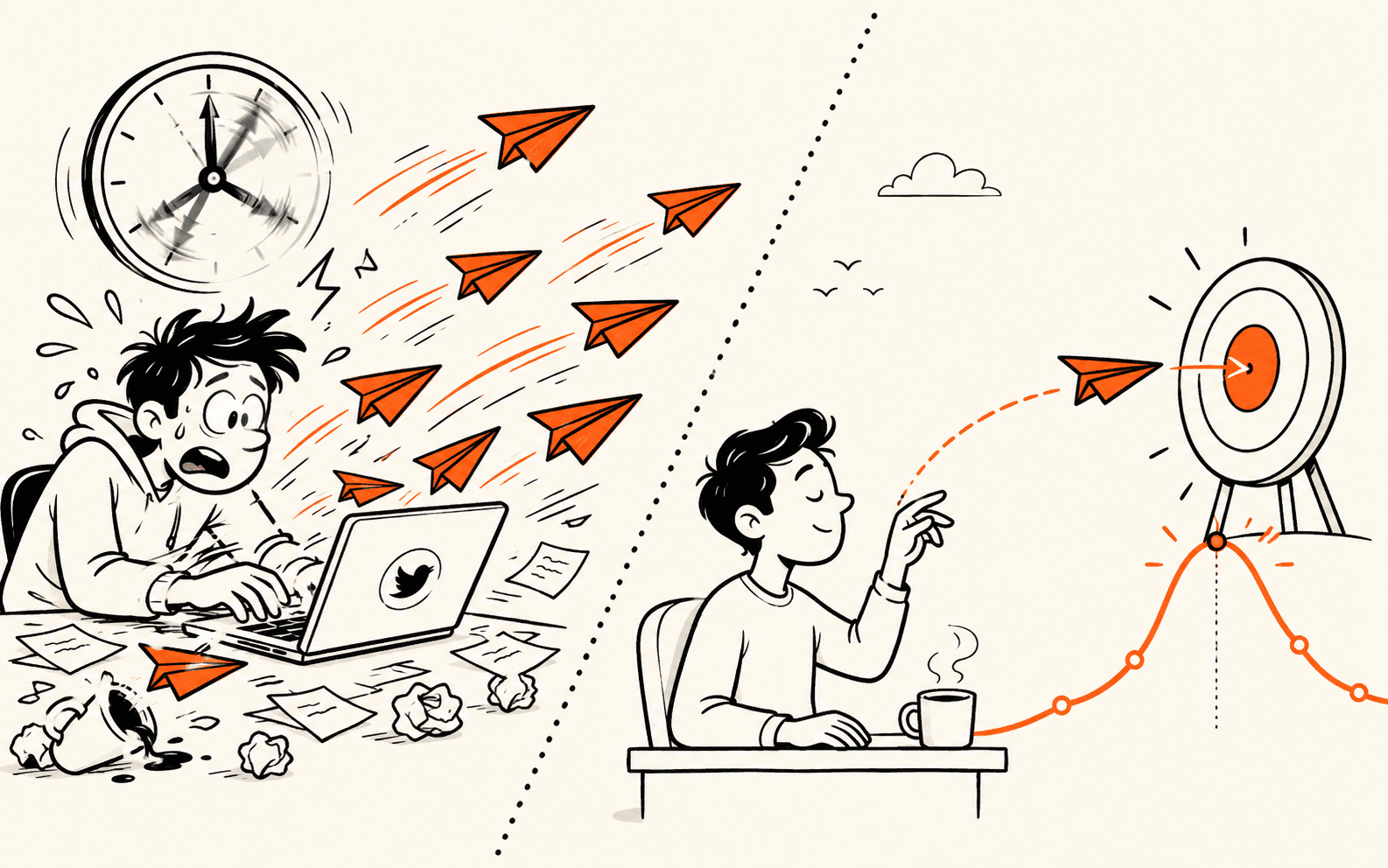
The question isn't whether to use scheduling, it's which approach fits your workflow and growth goals. Some tools prioritize speed, letting you queue posts in seconds. Others focus on smart timing, analyzing when your specific audience engages most. This article compares both philosophies, shows you how each impacts your numbers, and helps you choose the method that will actually stick in your routine. Most scheduling advice assumes timing is universal, but the real trap is posting when your niche is offline, missing the exact windows when your audience is primed to engage, ClimbX scans high-performing accounts in your niche to surface the outlier posts hitting 2-3x baseline engagement, then times your content to those proven windows.

TL;DR

  • Speed-first tools prioritize posting volume and reach by automating batch uploads and optimal scheduling windows.
  • Smart-timing tools analyze audience behavior patterns to post when engagement is highest, maximizing impact per post.
  • Solo creators should match their tool choice to content type and growth stage, volume-builders need speed, engagement-focused creators need timing intelligence.[3]

Understanding X Scheduling Tools: Speed vs Smart Timing

What Are Speed-First vs Smart-Timing Scheduling Tools?

X scheduling tools fall into two broad categories based on their core design philosophy. Speed-first schedulers prioritize volume and algorithmic consistency, allowing creators to batch-upload content and maintain a steady posting cadence without manual intervention. These tools emphasize ease of use and rapid content distribution. Smart-timing tools, by contrast, leverage historical engagement data to identify peak audience windows, analyzing when your followers are most active and receptive. Rather than posting on a fixed schedule, they recommend optimal times based on past performance patterns. The choice between these approaches shapes how you allocate your time and resources as a creator.[5]

Why the Speed vs Optimization Trade-off Matters for Your Growth

The fundamental trade-off between ease-of-use and optimization depth determines which tool fits your creator profile and growth goals. Speed-first tools appeal to solopreneurs managing multiple platforms who need to schedule content quickly without deep analysis. Smart-timing tools reward creators willing to invest time in understanding their audience and refining posting strategy. If you're focused on consistency and volume, a speed-first approach keeps friction low. If you're optimizing for maximum impressions and follower growth, smart-timing tools offer data-driven precision. Your choice depends on whether you prioritize operational simplicity or engagement maximization, and whether your audience size and engagement patterns provide meaningful data to act on.

The Broader Landscape of X Content Strategy Tools

Scheduling is just one component of a creator's content strategy toolkit. The broader X management ecosystem includes analytics platforms, content discovery tools, and audience insights solutions that work alongside schedulers. Many solo creators use a hybrid approach: leveraging speed-first scheduling for consistency while monitoring engagement metrics to inform future content decisions. The market has matured to offer options across complexity levels, from simple batch-posting solutions to comprehensive platforms that integrate scheduling, analytics, and audience research. Understanding where scheduling fits in your overall workflow, and how it connects to your measurement and optimization efforts, helps you build a sustainable, scalable content operation.

X Scheduling Tools Compared: Speed vs Smart Timing, comparison-grid

Step-by-Step Process

1. Audit your content mix and posting frequency

Review your last 30 days of posts to identify patterns: how many tweets per day, which formats (threads, single posts, replies) drive engagement, and when you typically publish. Document your current cadence and note any gaps or clusters. This baseline reveals whether you're posting sporadically or consistently, which directly impacts how a scheduling tool should operate. A creator posting once daily has different needs than one publishing multiple times per day.

2. Map your audience timezone and activity windows

Use X Analytics to identify when your followers are most active. Note the primary timezones represented in your audience and cross-reference with your own availability. If your audience peaks at 9 AM EST but you're in Pacific time, a tool that schedules ahead saves you from manual posting at odd hours. Align your scheduling strategy with both audience behavior and your own workflow constraints to avoid burnout.

3. Test rapid-fire posting within your chosen tool

Select a scheduling platform and experiment with posting multiple times daily for a week. Track impressions, engagement rate, and follower growth across different posting frequencies. Some creators see growth inflection points at two posts daily; others plateau or decline. Use the tool's analytics to compare performance metrics side by side and identify your optimal posting speed threshold.

4. Refine timing based on engagement data

After testing speed, shift focus to timing precision. Schedule posts at your identified peak activity windows and measure whether hitting those moments outperforms off-peak scheduling. Many tools offer A/B testing or time-zone optimization features. Combine your speed findings with timing insights to establish a repeatable, data-driven posting schedule that maximizes both reach and follower retention without requiring constant manual intervention.

How This Works in Practice

Example 1: The Micro-Creator's Daily Momentum

Picture a solo creator who posts 3 - 5 times per week but struggles with the friction of switching between drafting, editing, and publishing across multiple apps. They've built a modest but engaged audience, a few hundred followers, and want to grow without burning out. By adopting a speed-first scheduling tool, they batch-create content in one session, queue it for posting, and let the automation handle the timing. Within weeks, they're posting more consistently, reducing the mental load of "when should I hit publish?" The tool removes the friction, so they focus on what matters: writing better content. Their posting frequency increases, impressions climb, and the audience grows steadily because consistency compounds.

Speed-First vs Smart-Timing Tool Comparison

DimensionSpeed-First ApproachSmart-Timing Approach
Core PhilosophyPrioritize volume and algorithmic consistencyLeverage historical engagement data for precision
Posting StrategyBatch-upload content on fixed scheduleRecommend optimal times based on past performance
Best ForConsistency and volume across platformsMaximum impressions and follower growth
Time InvestmentLow friction, rapid distributionDeeper analysis of audience behavior patterns

Example 2: The Established Creator's Precision Timing

Consider an established creator with several thousand followers and a highly engaged community. They've learned when their audience is most active, but manually posting at those optimal windows is impractical, especially across time zones. A smart-timing scheduling tool analyzes their historical engagement data and recommends the best moment to publish each post. Instead of guessing, they schedule content once and let the tool fire it at peak engagement windows. The result: higher impressions per post, better click-through rates, and more conversions because their content reaches people when they're most receptive. For creators with proven audiences, precision timing transforms scheduling from a chore into a growth lever.[4]

Why Both Strategies Drive Growth

Speed and timing aren't competing philosophies, they're complementary. Micro-creators win by removing friction and building consistency; established creators win by maximizing the value of every post through smart timing. The right tool depends on where you are in your growth journey, but both paths lead to the same outcome: more impressions, stronger audience connection, and sustainable momentum.

X Scheduling Tools Compared: Speed vs Smart Timing, warning-callouts

X Scheduling Tool Selection Checklist

  • Test the tool's native X integration and confirm it supports your target posting frequency without rate limits.
  • Review the analytics dashboard to verify it tracks impressions, engagement rate, and follower growth metrics.
  • Compare scheduling limits across tools to ensure they match your content calendar volume.
  • Check whether the tool offers audience timing recommendations based on your follower activity patterns.
  • Validate that exported analytics data can be imported into your optimization workflow or spreadsheet.

Common Mistakes to Avoid

Mistake: Scheduling posts without testing content resonance first

Many creators bulk-schedule content across weeks without validating whether their audience actually engages with the format, topic, or tone. This wastes the scheduling tool's potential, you're automating the distribution of content that may not convert followers or impressions. Instead, test new content types with manual posts first, measure engagement metrics, and only schedule proven formats at scale. This ensures your scheduling strategy amplifies what works, not what you assume works.

When to Choose Your Scheduling Approach

Creator ProfileChoose This ApproachKey Benefit
Managing multiple platforms with limited timeSpeed-first schedulingKeep operational friction low
Focused on engagement and audience growthSmart-timing schedulingData-driven precision on posting windows
Building initial consistency and momentumSpeed-first schedulingMaintain steady cadence without manual intervention
Optimizing impressions per postSmart-timing schedulingPost when followers are most active and receptive

Mistake: Ignoring timezone and peak activity windows when scheduling

Posting at the same time daily ignores when your specific audience is actually online. If your followers are concentrated in different timezones or have distinct peak-activity hours, scheduling without this data means your posts land in dead zones where impressions and engagement plummet. Use your X analytics to identify when your audience is most active, then schedule posts to align with those windows. This single adjustment often doubles reach compared to arbitrary scheduling times.[2]

Mistake: Over-relying on scheduling tools as a substitute for audience research

Scheduling tools are distribution channels, not strategy engines. Creators often assume that consistent posting alone drives growth, neglecting to study competitor content, audience demographics, or trending topics in their niche. Without this foundation, even perfectly-timed posts miss the mark. Before scheduling your content calendar, invest time in analyzing what your target audience actually wants to read, which creators they follow, and which topics drive conversation in your space.

Frequently Asked Questions

Does scheduling alone guarantee more followers and impressions?

No. Scheduling is a distribution tactic, not a content strategy. Posting at optimal times helps your best content reach more people, but without compelling, audience-focused material, timing alone won't drive meaningful growth. Research shows that content quality and audience engagement strategy remain the foundation of sustainable follower growth and impression increases. Schedule your posts strategically, but invest equally in understanding what resonates with your audience.[1]

How do I choose between a scheduling tool and posting manually?

The right choice depends on three factors: your growth stage (early-stage creators may benefit from real-time engagement; established accounts can leverage scheduling efficiency), available time (solo creators with limited bandwidth gain more from automation), and monetization goals (if you're pursuing brand deals or audience-driven revenue, scheduling frees time for relationship-building and content ideation). Start with your constraints and goals, not the tool.

Can I schedule posts and still stay engaged with my audience?

Yes, and you should. Scheduling handles content distribution, but community growth happens through replies, retweets, and conversations. Use scheduling to maintain a consistent posting cadence, then dedicate freed-up time to responding to comments, engaging with other creators, and monitoring what your audience asks for. This combination, reliable content output plus active presence, drives both follower growth and deeper engagement.

Start your 7-day trial

Grow on X without sounding like everyone else. The right tool learns from your top posts and the leading voices in your niche, then drafts content in your voice. You edit, approve, and ship.

Start free trial

Sources

  1. Sprout Social Index, Annual Social Media Research
  2. State of Marketing Report, HubSpot
  3. Social Media Trends Report, Hootsuite
  4. Influencer Marketing Benchmark Report, Influencer Marketing Hub
  5. Social Media Management, G2 Category

Try the loop on your own cohort.

Pick three accounts you would like to be at in 12 months. ClimbX pulls their recent outliers, tags them, and drafts in your voice off what is currently working. Edit, ship, watch the loop tighten.

Read next

  • Let your AI agent grow your X account: the ClimbX API. - Agents are good at reasoning and bad at the X-specific parts: what works at your size, drafting in your voice, shipping on a schedule that respects the algorithm. The ClimbX API hands those parts to your agent over a simple REST call. Here is why we built it and how it works.
  • X account suspended: why it happens and how to get unsuspended in 2026. - X suspends accounts for three official reasons - spam, security, abuse - and most first-time suspensions clear in 48 to 72 hours after a clean appeal. The exact steps, what to write in the appeal, and which mechanical behaviors trip the automated enforcement before you even notice.