If you've built an audience on X, you know the friction: posting at the right time takes planning, tracking what resonates feels like guesswork, and managing multiple platforms drains hours you could spend creating. Many creators who outgrew Buffer's basic scheduling features are now searching for tools that match the complexity of their growth strategy.
Social media scheduling has evolved beyond simple post queuing. Today's solo creators need platforms that not only automate posting across channels but also surface insights about what content actually breaks through, especially on X where audience dynamics shift constantly. The right tool can mean the difference between consistent growth and spinning your wheels with content that doesn't land.[3]
This article explores the leading alternatives to Buffer in 2026, comparing their scheduling capabilities, analytics depth, and how well each serves creators focused on growing followers and impressions without wasting time on content that doesn't work. You'll find options suited to different workflows, budgets, and growth goals.
TL;DR
- Buffer is a scheduling tool with limitations for X-focused creators, alternatives offer better analytics, content recommendations, and growth-focused features tailored to solo creators.
- The best Buffer alternatives combine scheduling with audience insights and content strategy guidance, helping solopreneurs eliminate guesswork and focus on what drives followers and impressions.
- Most creators switch because Buffer lacks native X optimization and engagement tracking, alternatives fill that gap with platform-specific tools and performance data.[1][3]
1. ClimbX: AI-Powered Post Analytics and Voice-Driven Content Planning for X Creators

Visit climbx.so
ClimbX is built for solo creators and solopreneurs on X who want to stop guessing at what content resonates and start shipping posts that compound audience growth. Unlike generic scheduling tools, it combines post analytics, AI-assisted drafting, and content planning into a single workflow designed specifically for creators optimizing for followers, impressions, and influence monetization.
Here's the gap most tools miss: they show you what performed after you post, but they don't surface what's working for creators ahead of you, or help you draft in your own voice consistently. ClimbX scans for outlier posts doing two to three times baseline performance from accounts you're tracking, then feeds those patterns into an AI co-writer (Cliff) that learns your voice with every draft you ship, creating a compounding learning loop that improves accuracy over time.
The platform breaks down post analytics by format, hook, and topic, showing impressions and engagement per post type so you see exactly which formats drive results. A built-in post coach refines drafts before publishing, a content calendar keeps planning organized, and a developer REST API lets you publish, schedule, and access analytics and voice data programmatically if you're building custom workflows.
Pricing is published on ClimbX's site and structured around usage tiers that scale with your posting volume and analytics depth. Plans start at an accessible monthly rate and grow as you unlock advanced features like the outlier scanner and voice-trained AI co-writer, so you pay for what you actually use rather than a flat enterprise fee.
2. Metricool
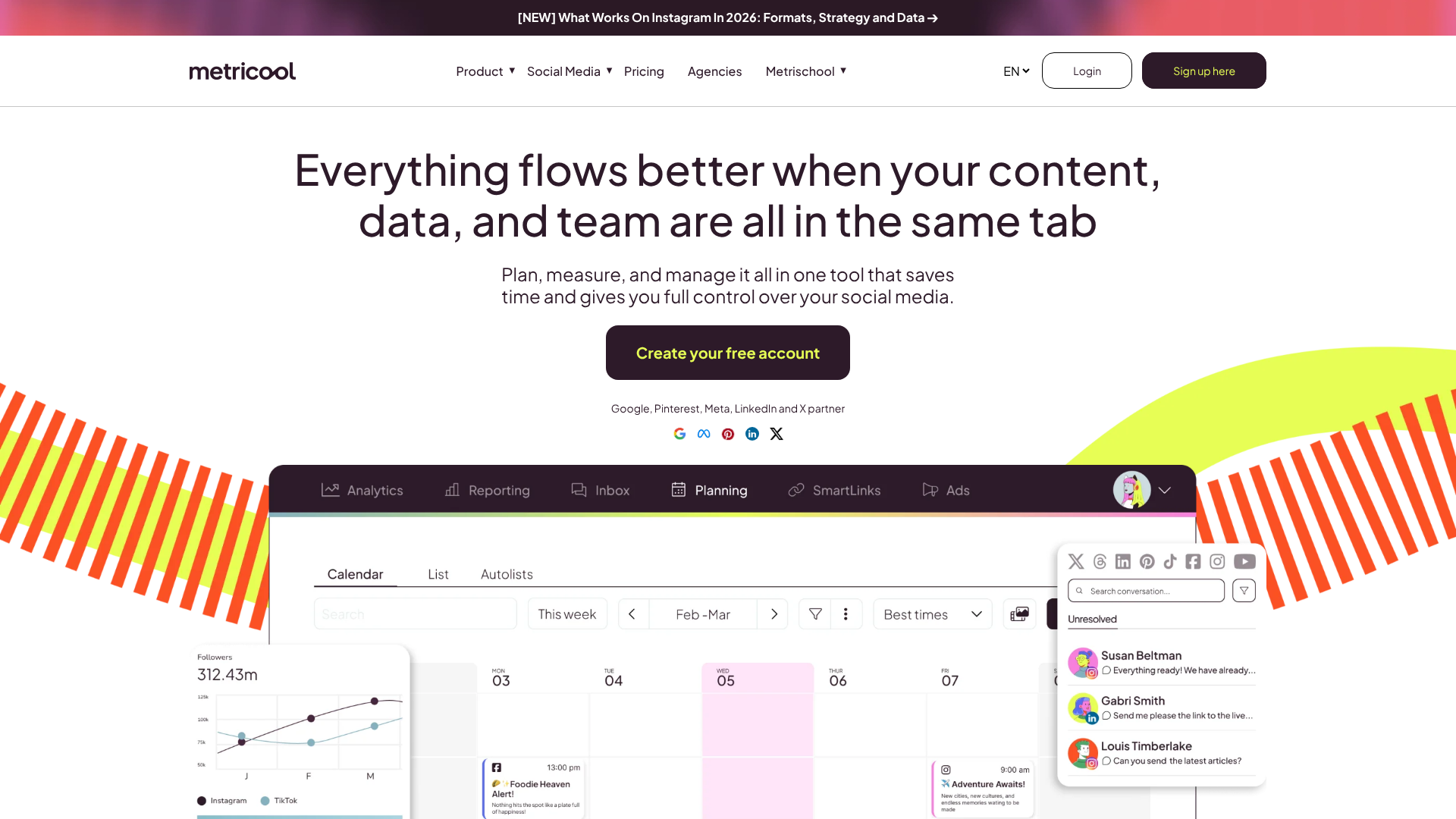
Metricool homepage
Metricool is a social media scheduling and analytics platform designed for content creators, solopreneurs, and small teams who need to manage multiple accounts across platforms without complexity. It centralizes posting, performance tracking, and audience insights in one dashboard, letting you plan content weeks ahead and monitor what resonates with your followers.
Here's the thing: most scheduling tools treat analytics as an afterthought, burying metrics in separate tabs or requiring manual exports. Metricool integrates real-time performance data directly into your content calendar, so you see which posts drive impressions and engagement before you schedule the next batch. That feedback loop helps you refine your strategy instead of guessing.
The platform lets you schedule posts across X, Instagram, Facebook, LinkedIn, and TikTok from a single calendar. You can bulk-upload content, collaborate with team members on drafts, track post performance with detailed metrics, and monitor audience growth trends. The analytics dashboard shows you engagement patterns, best posting times, and follower demographics, data that informs what type of content to create next.
Metricool's pricing plans are published on their official site and structured around the number of social accounts you manage and the depth of analytics access you need. Plans scale from entry-level for solo creators managing a handful of accounts to higher tiers for teams running multiple brand channels. Visit Metricool's pricing page to see the current rates and find the plan that matches your growth stage.
3. Eclincher
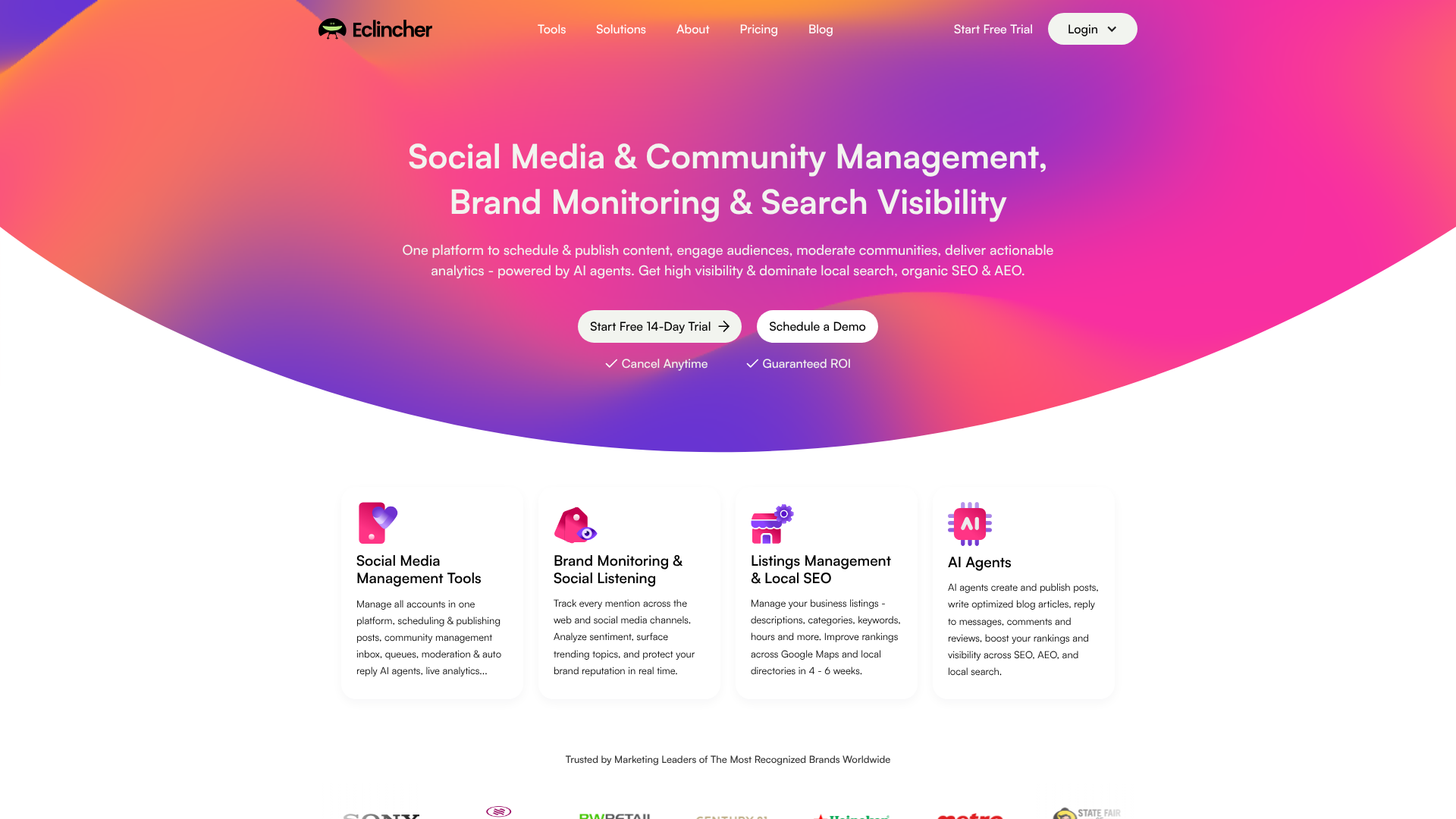
Eclincher homepage
Eclincher is a social media scheduling and analytics platform designed for creators and small teams who need to plan, publish, and measure performance across multiple platforms. It's built for solopreneurs and content creators who want a straightforward way to batch-create content, schedule posts in advance, and track what resonates with their audience without complexity.[1]
Here's the gap most tools miss: Eclincher focuses on the creator's workflow, drafting multiple posts at once, scheduling them across platforms, then reviewing performance data in one place. Rather than forcing you to jump between tabs or learn a steep interface, it streamlines the entire cycle from ideation through measurement, so you spend less time managing tools and more time creating.
The platform offers post scheduling across X, Instagram, Facebook, LinkedIn, and TikTok, with a content calendar that lets you visualize your posting schedule. You can queue posts in bulk, use built-in templates to speed up creation, and access analytics dashboards that show engagement metrics, follower growth, and post performance over time, helping you identify which content types drive the most impressions.
Eclincher's pricing is published on their official site and structured around monthly subscription tiers. Plans scale based on the number of social accounts you manage and the features you need, making it accessible for solo creators starting out and flexible enough to grow as your audience expands.
4. Typefully
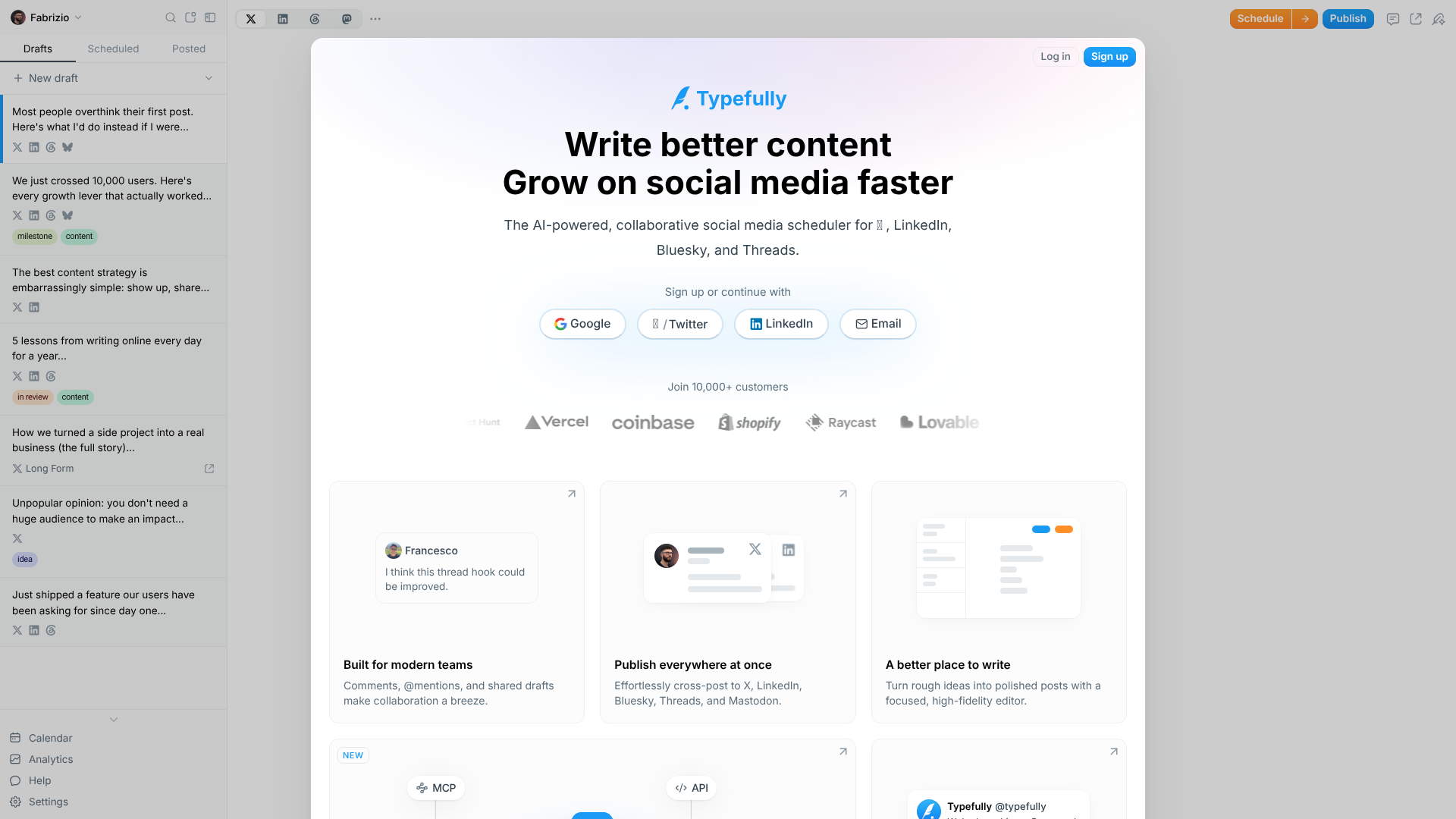
Typefully homepage
Typefully is a content scheduling and analytics platform built for creators and solopreneurs who post frequently on X and want to track what resonates with their audience. Unlike generic social media dashboards that spread focus across multiple platforms, Typefully concentrates on X-native workflows, drafting, scheduling, and measuring performance without leaving the interface.[3]
Here's the gap most tools miss: Typefully combines a distraction-free writing environment with real-time performance feedback. Instead of scheduling blindly and checking analytics hours later, creators see which tweets drive engagement as they build their next thread, letting them refine voice and timing based on what actually works rather than guessing.
The platform includes a native X editor for drafting and threading, a content calendar for batch scheduling, engagement analytics that track impressions and follower growth, and AI-powered suggestions to optimize posting times. Creators can also collaborate with team members, manage multiple accounts, and access detailed performance reports to identify top-performing content patterns.
Typefully offers multiple paid plans structured around posting volume and analytics depth. Pricing details and plan options are published on Typefully's official pricing page, allowing creators to choose the tier that matches their posting frequency and growth goals.
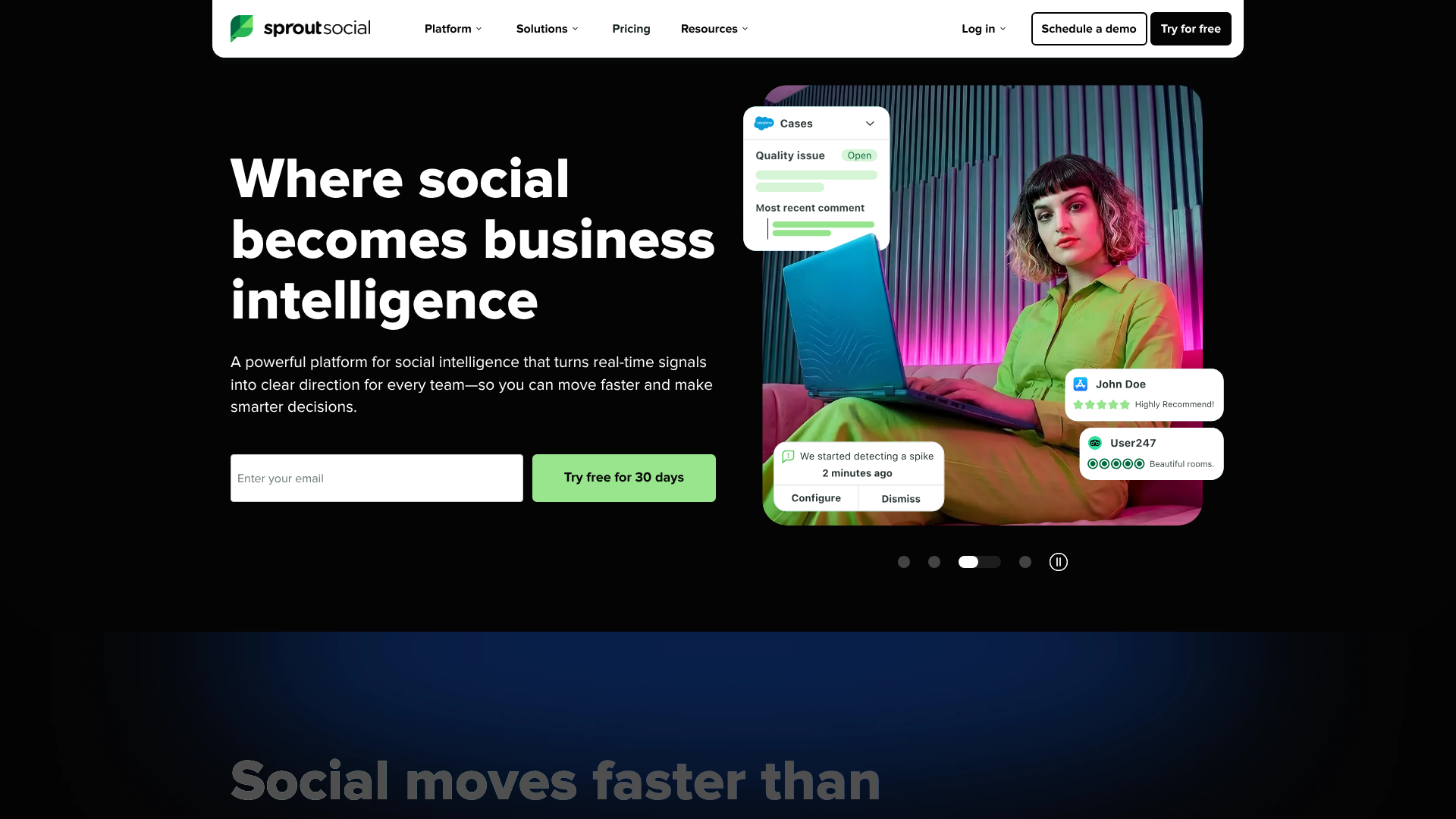
5. Sprout Social
Sprout Social homepage
Sprout Social is an enterprise-grade social media management platform designed for teams and larger creators who need centralized control over multiple accounts and channels. Built for organizations that manage brand presence across several platforms simultaneously, it combines scheduling, monitoring, and analytics in one dashboard [2].[2]
Here's the gap most tools miss: Sprout Social prioritizes deep audience insights and competitive benchmarking over pure scheduling speed. Rather than just queuing posts, it surfaces what your audience actually engages with, sentiment analysis, demographic breakdowns, and performance trends, so you can make data-driven decisions about content direction instead of guessing.
The platform delivers social listening across multiple networks, team collaboration workflows with approval queues, detailed performance reporting by content type and posting time, and integration with CRM systems. You can monitor brand mentions in real time, track competitor activity, and generate custom reports that show which content drives the most meaningful engagement.
Sprout Social pricing is published on their official site and structured around team size and feature access. Plans scale from small teams to enterprise deployments, with monthly billing available. The investment reflects the breadth of analytics and team tools included, this is positioned as a full-stack solution rather than a lightweight scheduler.
All 5 tools compared at a glance
Frequently Asked Questions
What should I look for in a Buffer alternative for X growth?
Focus on tools that combine scheduling with analytics and content optimization. The best alternatives for solo creators offer post-performance tracking, audience insights, and guidance on what content resonates. Look for platforms that show you which hooks, formats, and topics drive engagement, so you can replicate success rather than guessing. Many alternatives also include AI-assisted drafting or content suggestions tied to your niche, helping you save time while staying authentic. Scheduling alone isn't enough, you need data-driven feedback to compound growth over weeks and months.[1]
Buffer Limitations vs Alternative Solutions
| Buffer Gap | What Alternatives Offer |
|---|---|
| Generic scheduling without X optimization | Platform-specific tools designed for X audience dynamics |
| Post-performance tracking only | Outlier detection and forward-looking content patterns |
| No voice consistency guidance | AI co-writer that learns your voice with every draft |
| Analytics buried in separate tabs | Real-time performance integrated into planning dashboard |
Can I schedule posts across multiple platforms with Buffer alternatives?
Yes. Most modern scheduling tools support X, LinkedIn, Instagram, and other major platforms from a single dashboard. This is valuable for solopreneurs managing multiple channels without a team. However, the depth of analytics and optimization features varies significantly, some tools excel at cross-platform scheduling but offer minimal insights into what content actually works on each platform. When evaluating alternatives, confirm that the tool provides platform-specific performance data (not just post counts), so you can tailor content strategy to each audience rather than posting identical content everywhere.[2]
Sources
Try the loop on your own cohort.
Pick three accounts you would like to be at in 12 months. ClimbX pulls their recent outliers, tags them, and drafts in your voice off what is currently working. Edit, ship, watch the loop tighten.
Read next
- Do AI images hurt your reach on X? I tested it on my last 100 posts. - I ran a small experiment: more images on my posts, many of them AI art. The data from 100 posts: AI illustrations and other decorative images cut reach by 48% on generic posts and 65% on one-liners - while real proof images (payout screenshots, charts, records) gained 78%. The full numbers, the clean split, and the ClimbX feature this experiment killed.
- How to get X (Twitter) data into your AI agent through MCP. - Your agent can read your real X analytics, voice profile, and outlier feeds through one MCP server - no scraping, no X API contract, one command to connect Claude Code, Claude Desktop, or Cursor. The full setup, the 16 tools, what an agent can actually do with them, and how a customer shipped the first MCP server on our API before we did.