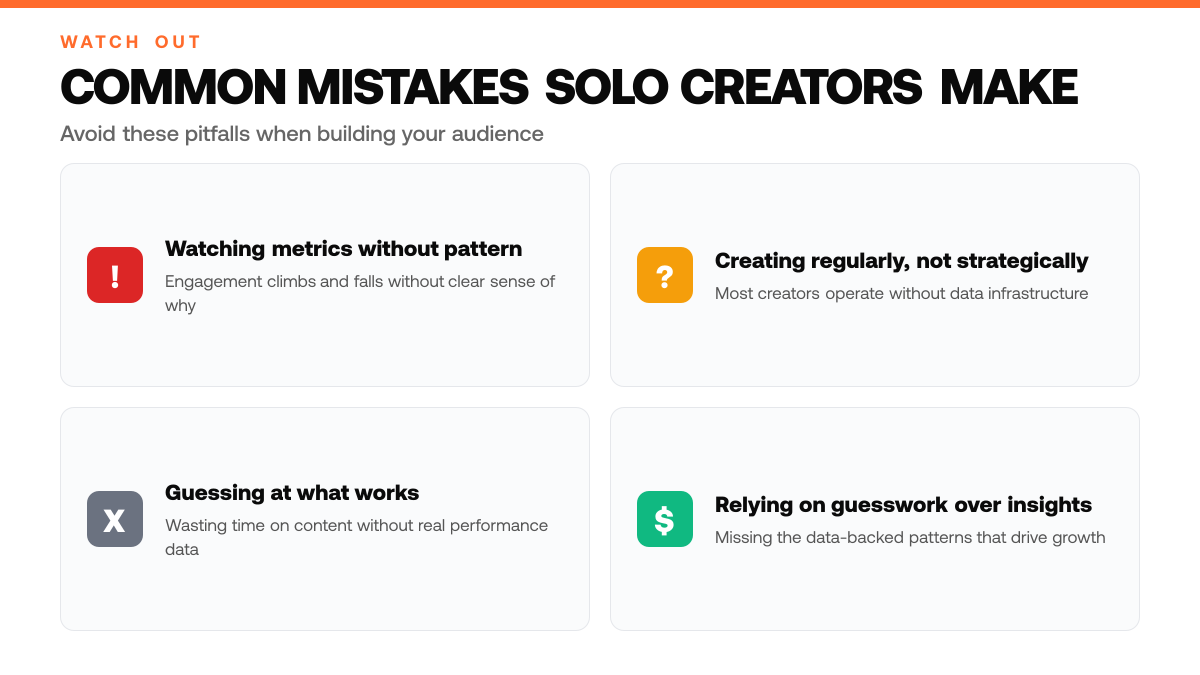
A solo creator posts three times a week, watches engagement metrics climb and fall without pattern, and has no clear sense of which topics will land with their audience tomorrow. This is the daily reality for thousands of independent content producers building on social platforms. Without structured feedback, even consistent creators struggle to distinguish between what feels right and what actually resonates at scale.
The creator economy has matured into a substantial segment of the digital workforce. Solo creators and solopreneurs now represent a major force in content production, yet most operate without the data infrastructure that larger media organizations take for granted. The gap between creating regularly and creating strategically remains the core bottleneck for audience growth and monetization.[4]
This article explores how AI-powered tools can bridge that gap by helping solo creators decode what content truly works, optimize posting strategy, and grow their influence without relying on guesswork. We'll cover the specific challenges creators face when analyzing audience behavior, the role of AI in identifying patterns at scale, and practical approaches to selecting and implementing tools that fit a solo operation.
TL;DR
- AI social media tools automate content creation, scheduling, and analytics so solo creators can focus on strategy instead of manual tasks.
- Data-backed insights reveal which content types, posting times, and formats drive the most followers and impressions for your specific audience.
- Most creators waste time guessing at what works, AI tools replace guesswork with real performance metrics to optimize growth consistently.[1]
Understanding AI Social Media Tools for Solo Creators
What Are AI Social Media Tools?
AI social media tools are software applications designed to automate and enhance the work solo creators do across platforms like X. These tools fall into distinct categories: content generation, which helps creators brainstorm and draft posts; scheduling, which automates the timing of content publication; analytics, which tracks performance metrics and audience behavior; and audience engagement, which manages interactions and community growth. Each category addresses a specific bottleneck in the creator workflow, from the blank-page problem of ideation through the measurement phase that reveals what resonates with followers.[2][3]
Why Solo Creators Need These Tools
Running a personal brand on social media demands constant attention to multiple tasks simultaneously. A solo creator must generate fresh ideas, maintain a consistent posting schedule, monitor how content performs, and respond to audience interactions, all while potentially managing other business responsibilities. AI tools compress these workflows by handling repetitive tasks, freeing creators to focus on strategy and authentic connection with their audience. For solopreneurs building influence without a team, these tools become force multipliers that make sustainable growth possible without burnout.
The Growing Role of AI in Creator Economics
The creator economy has expanded rapidly as individuals seek to monetize their expertise and audience. AI-powered solutions have emerged as essential infrastructure for this shift, enabling solo creators to operate at scale without hiring staff. By automating content planning, distribution, and performance analysis, these tools lower the barrier to entry and help creators compete with larger media operations. The result is a landscape where thoughtful creators with the right tooling can build sustainable, profitable audiences, regardless of their starting resources.
Key Numbers for AI Social Media Tools for Solo Creators (2026)
- 86% of creators use generative AI in their workflows, saving an average of 9 hours per week[1]
- 7.2 million Americans now identify as full-time independent creators[1]
- Creator economy market size projected to grow from $160.3 billion in 2025 to $205.81 billion in 2026[1]
- 45% of creators are actively consolidating their tech stacks[5]
- Reels volume grew 3.8% from 2024 to 2025, while Instagram image posts declined 6.41%[1]
- 15% to 30% engagement lift reported by marketers who switched to AI-recommended posting schedules[1]
Step-by-Step Process
1. Audit your current content performance and workflow gaps
Review your last several weeks of posts on X to identify which content types (threads, short posts, media-rich updates) generated the most engagement and impressions. Document where your workflow breaks down, whether it's ideation, drafting, scheduling, or analytics review. Note which content pillars you're missing or underexploring. This baseline reveals where AI tools can deliver the most immediate impact and helps you avoid tools that solve problems you don't have.[5]
2. Match AI tool capabilities to your specific growth goals
Define whether your priority is growing followers, boosting impressions, or unlocking monetization opportunities. Different AI tools excel at different tasks, some focus on content generation and scheduling, while others specialize in analytics and audience insights. Research tools that directly address your bottleneck and align with your platform (X in particular has unique thread and engagement dynamics). Avoid adopting tools simply because they're popular; select based on how their features map to your stated objective.[6]
3. Implement your chosen tools and monitor early results
Set up your selected AI tool(s) with a small batch of content, typically a handful of posts or a week's worth of scheduling. Track which metrics matter most to your goal: follower growth rate, average impressions per post, or engagement rate. Use the tool's built-in analytics or X's native insights to compare performance before and after implementation. Document what changes and what stays flat so you can refine your approach quickly.
4. Optimize strategy based on tool insights and scale what works
Review the analytics your AI tool provides and identify patterns, specific topics, posting times, or content formats that outperform others. Adjust your content calendar and prompts to emphasize high-performing themes. Once you've validated that a particular content type or posting cadence drives results, increase its frequency and investment. Revisit your tool selection every few weeks; if a tool isn't delivering actionable insights or saving meaningful time, replace it with one that does.
How This Works in Practice
Example 1: The Niche Educator Finding Trending Topics
Picture a solo creator who teaches financial literacy on X, posting 3 - 4 times weekly to a modest following. She notices her evergreen content gets steady engagement, but she's unsure which emerging topics her audience actually wants to hear about. Using AI-powered trend analysis, she identifies that discussions around inflation-resistant investing are gaining momentum in her niche. She reshapes her next week's content calendar around this theme, posting at times when her audience is most active, data the AI tool surfaces by analyzing her past engagement patterns. Within 2 weeks, her impressions climb noticeably, and her replies shift from polite acknowledgment to substantive questions from followers hungry for deeper dives. She's no longer guessing; she's responding to real demand signals her audience is already sending.
Manual Creator Workflow vs AI-Assisted Workflow
| Task | Without AI Tools | With AI Tools |
|---|---|---|
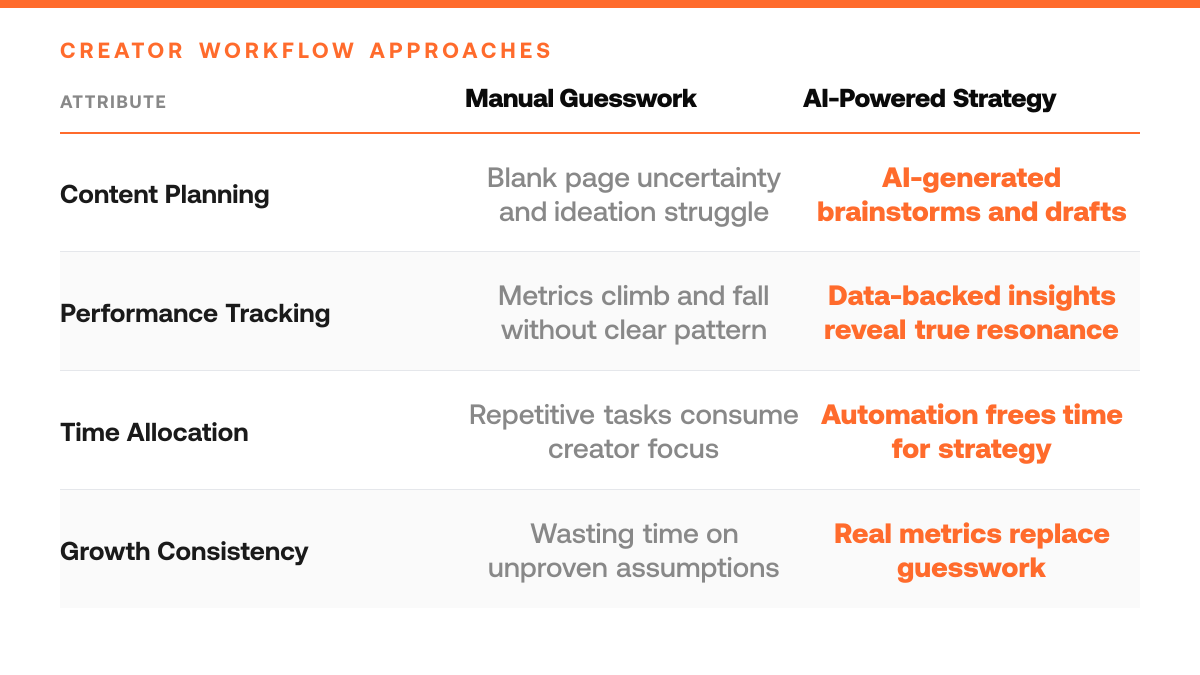
| Content ideation | Brainstorm from blank page, uncertain what resonates | AI suggests topics based on audience behavior patterns |
| Posting schedule | Manually decide timing, risk inconsistency or burnout | Automation handles distribution, frees time for strategy |
| Performance tracking | Watch metrics climb and fall without pattern recognition | Analytics reveal which content types and formats drive growth |
| Audience engagement | Manually monitor and respond to all interactions | Tools manage community interactions and growth systematically |
Example 2: The B2B Consultant Personalizing Outreach
Consider a solo consultant who sells workflow automation services and has built a following of several hundred business owners on X. Previously, she posted generic tips hoping someone would notice and reach out. Now, using AI to segment her audience by engagement patterns and inferred interests, she crafts micro-targeted threads, one for operations managers, another for founders scaling their first hires. She personalizes replies to comments, referencing specific pain points her AI tool flags from each follower's past posts. The result isn't a viral moment; it's deeper, more qualified conversations. Followers begin to see her as someone who *understands their world*, not just another voice in the feed. Her direct messages shift from cold curiosity to warm introductions and consulting inquiries.
Why Precision Beats Guesswork
Both examples share a common thread: AI removes the friction of uncertainty. Instead of posting on a hunch and hoping for traction, creators now identify what their audience actually cares about, reach them when they're listening, and speak directly to their needs. The outcome isn't always a viral spike, it's sustainable, intentional growth rooted in real audience behavior.
AI Social Media Tool Setup Checklist
- Map your current content workflow and identify where AI automation would save the most time without sacrificing your voice.
- Test each AI tool's output on a small batch of your existing posts to verify tone alignment and audience fit before full rollout.
- Set clear metrics (impressions, engagement rate, follower growth) you'll track weekly to measure whether the tool actually improves your results.
- Configure tool integrations with your X account and scheduling platform to eliminate manual copy-paste steps in your publishing workflow.
- Document your AI prompts and settings so you can replicate successful content patterns and troubleshoot underperforming variations quickly.
Common Mistakes to Avoid
Mistake: Automating content distribution without understanding your audience's platform behavior and preferences
Solo creators often enable auto-posting and scheduling across all channels without analyzing where their audience actually engages most. This leads to content landing on the wrong platform at the wrong time, diluting reach and impressions. Fix this by auditing your analytics first, identify which platforms drive the highest engagement and follower growth for your niche, then tailor automation rules to match those patterns rather than applying a one-size-fits-all schedule.
AI Tool Categories and Creator Bottlenecks They Solve
| Tool Category | Primary Bottleneck | Workflow Impact |
|---|---|---|
| Content generation | Blank-page problem and ideation paralysis | Automates brainstorming and post drafting |
| Scheduling | Inconsistent posting and time management burden | Automates timing of content publication |
| Analytics | Guesswork about what resonates with audience | Tracks performance metrics and reveals patterns at scale |
| Audience engagement | Manual interaction management and community growth | Manages interactions and systematizes community building |
Mistake: Skipping analytics setup and tool integration, then wondering why automation isn't improving growth
Many solo creators activate AI tools without connecting them to analytics dashboards or tracking which automated workflows actually drive results. This creates a blind spot: you can't optimize what you don't measure. Set up event tracking and link your AI tool to your analytics platform from day one, then review performance weekly to identify which content types, posting times, and messaging resonate with your audience.
Mistake: Treating AI-generated content as final without testing it against your audience's actual preferences
Relying entirely on AI to generate your voice and messaging without validating that output against your audience's response wastes the tool's potential and erodes trust. Your followers follow you for a specific perspective, not generic AI-optimized posts. Test AI suggestions on a small segment first, measure engagement, then refine your prompts and guidelines so the tool learns your authentic angle rather than defaulting to broad appeal.
Frequently Asked Questions
How do I choose the right AI tool for my content strategy?
Start by identifying your biggest bottleneck: is it ideation, drafting, scheduling, or analytics? Different tools excel at different stages. Look for one that integrates with your existing workflow, whether that's your note-taking app, calendar, or publishing platform, so adoption feels natural rather than forced. The best tool is the one you'll actually use consistently.
Will AI tools replace my authentic voice and relationship with my audience?
No. AI tools are designed to amplify your voice, not replace it. They handle the mechanical work, formatting, scheduling, initial drafts, so you can focus on the strategic and human elements: responding to comments, refining your perspective, and building genuine connection. The most successful creators use AI to work faster, not to sound like someone else. Your unique viewpoint and audience relationship remain irreplaceable.
What's the learning curve for implementing an AI social media tool?
Most modern AI tools are designed for quick onboarding. You can typically start producing content within hours, not weeks. The initial setup, connecting your accounts, setting preferences, understanding the dashboard, usually takes a few hours. Real mastery comes from experimenting over time and learning what resonates with your specific audience, but you don't need to be an expert to begin.
Start your 7-day trial
Grow on X without sounding like everyone else. The right tool learns from your top posts and the leading voices in your niche, then drafts content in your voice. You edit, approve, and ship.
Start free trialSources
Read next
- 5 Essential Social Media Account Security Tips for 2026 - 5 Essential Social Media Account Security Tips for 2026. A practical guide to what works, what to skip, and how to get started.
- 5 Creator Monetization Tools That Actually Convert - Compare Ko-fi, Gumroad, Patreon, Substack, and Kajabi by what they sell, current fees, strengths, and limitations for creators building an audience on X.
- Best Twitter Analytics Monitoring Tools in 2026 - Best Twitter Analytics Monitoring Tools in 2026. A practical guide to what works, what to skip, and how to get started.