The short version
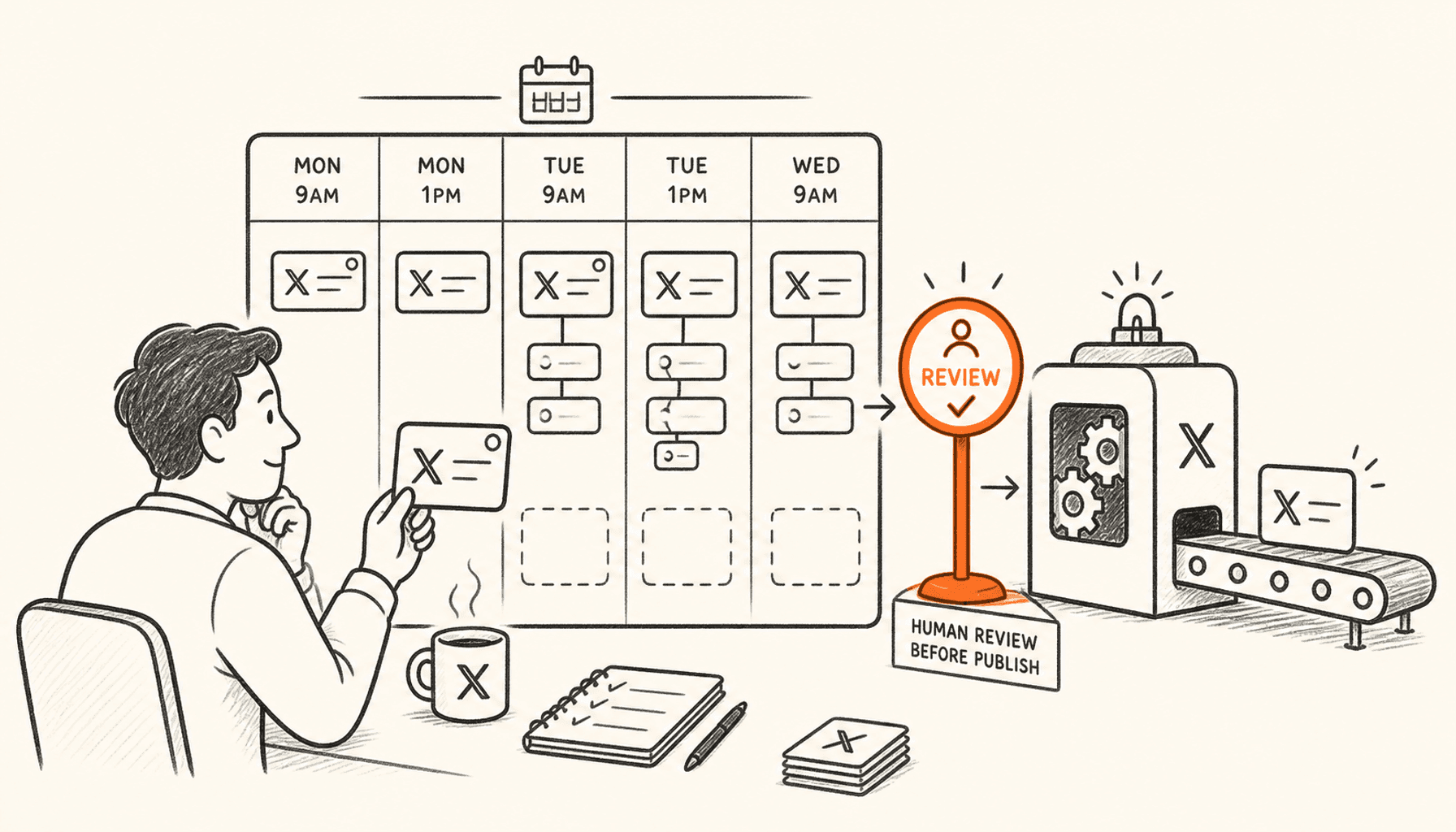
Use native X scheduling when you need to queue an occasional single post. It works on x.com and, since a rollout that began in September 2026, in the iPhone app. The Android app does not have it yet. Use a third-party scheduler when you need threads, reusable time slots, drafts, approvals, multiple accounts, analytics, or a content workflow. Scheduling should help you post consistently and free up time for live conversations. It should not turn weak drafts into a big queue.
Scheduling helps because you rarely write at the same moment your audience is online. Write when you have something to say and time to focus. Then publish when you can stick around for the replies.
Competitor guides often treat maximum automation as the goal. A better setup keeps research, drafting, review, publishing, and replies as separate steps. Only the publish time should be automatic.
Quick comparison
| Workflow | Best for | Limitation |
|---|---|---|
| Native X scheduling | Occasional single posts on x.com or the iPhone app | One post at a time, no Android app yet, no queue |
| ClimbX | Founder research, voice, scheduling, engagement, and learning | Not a multi-network social suite |
| Typefully | Clean multi-network posts and thread scheduling | Less X-specific research depth |
| Tweet Hunter | X scheduling plus CRM and automation | Broader and more expensive when AI is required |
| Buffer | Teams publishing across many networks | Not an X-specific growth system |
If you are evaluating the complete workflow rather than one feature, see the X growth tool for SaaS founders page for the product, fit and limitations in one place.
Schedule an individual post with the native X web composer
When we checked, the X web composer had a calendar control for scheduling a single post. Write the post, select the calendar, choose a date and time, confirm, and schedule. To review or remove queued posts, open the scheduled-post area from the composer.
What you see can differ by device and account, and X changes its apps often. If the calendar is missing in an app, open x.com in a browser on desktop or on your phone. Try that before you pay for a third-party tool.
- Confirm the timezone shown by the composer.
- Preview links and media before choosing the time.
- Keep a copy of important campaign text outside X.
- Be around when it publishes if the post needs live replies or context.
Schedule a post from your phone
On September 5, 2026, X designer Benji Taylor posted that X was beginning to roll out scheduled posts on mobile, a feature that had only existed on the web. Testers found it in the iPhone app within days. As of October 12, 2026, reports still show no scheduling in the Android app, and X has not published a help page for the mobile version.
The rollout is gradual, so the calendar icon may not appear on every account yet. Nothing in the announcement limits it to Premium. On Android, or if the icon is missing on iPhone, open x.com in your phone browser: the mobile web composer has the same calendar control as desktop.
- iPhone: update the X app, then tap the compose button.
- Write the post and add any media.
- Tap the calendar icon in the composer toolbar.
- Pick the date and time, confirm, then schedule the post.
| Where | Native scheduling (Oct 12, 2026) | What it still cannot do |
|---|---|---|
| x.com (desktop and phone browser) | Yes, single posts | No threads, no reusable time slots |
| X for iPhone | Rolling out since Sep 2026 | One post at a time; no published help yet |
| X for Android | Not yet | Use x.com in the phone browser instead |
Use a scheduling tool when the workflow exceeds one post
A third-party scheduler pays off when you keep handling threads, several accounts, a weekly queue, team approvals, reusable slots, analytics, or a research-to-draft workflow. Any tool has a calendar icon. What you pay for is having the steps before and after publishing in one place.
Choose ClimbX when you want research, drafts in your voice, relevant conversations, and learning from your own results. AI drafts the posts, and you edit and approve each one before it goes out. Choose Typefully for a clean multi-network writing and scheduling flow. Choose Tweet Hunter when scheduling belongs beside Auto-DMs, evergreen posts, and CRM. Choose Buffer when several social networks and team processes matter more than X-specific growth.

Create a queue from content roles, not random topics
A healthy founder queue should not contain seven versions of the same milestone. Give posts different jobs: discovery, customer understanding, proof, product relevance, conversation, and conversion. The mix makes your account worth following before you ask anyone for anything.
Start with one strong original post on most working days and a reply routine you can keep up. Post more only once quality holds and you still have time to reply. Daniel’s own results show that consistency pays off over time. They do not prove a posting quota that fits everyone.
| Role | Example source |
|---|---|
| Customer insight | Call, support issue, or public question |
| Proof | Measured experiment, screenshot, or demonstration |
| Product judgment | Decision, tradeoff, or rejected option |
| Market teaching | Workflow explanation or misconception |
| Founder story | Specific event connected to a reusable lesson |
| Conversation | A genuine question for a defined group |
Schedule threads as complete units
Read the whole thread in order before you schedule it. Check the opening promise, post order, media, links, numbering if you use it, and the ending. One missing or doubled post can break the thread.
Do not paste a blog article into an automatic splitter and call it done. Each post in a thread has to make sense on its own and read well on a phone. Rewrite the material for the feed. Link to the full article only when it adds something.
Choose times from account evidence, not universal charts
Best-time studies average many audiences, countries, niches, and account sizes. Use them only to pick your first tests. Your best window is when your people are online and you are free to reply.
Test two or three windows for several weeks. Compare medians by content role. Do not let one outlier decide the calendar. Track relevant replies, profile visits, follows, clicks, and signups next to impressions.
Keep a human review checkpoint before publication
Before a scheduled post goes out, check it for changed facts, broken links, private information, tone, timing, and world events. A draft that was fine on Monday can read as confusing or insensitive by Friday.
Pause the queue during account problems, product outages, or major news about your topic. Pause it any time an automatic post would look out of touch. Scheduling only saves you time if someone still keeps an eye on what goes out.
- Verify every changing claim and price.
- Open every link in a private browser window.
- Check screenshots for private customer or account data.
- Read the post aloud for generic AI language.
- Make sure you can reply after it goes live.
Run a weekly scheduling system in 45 minutes
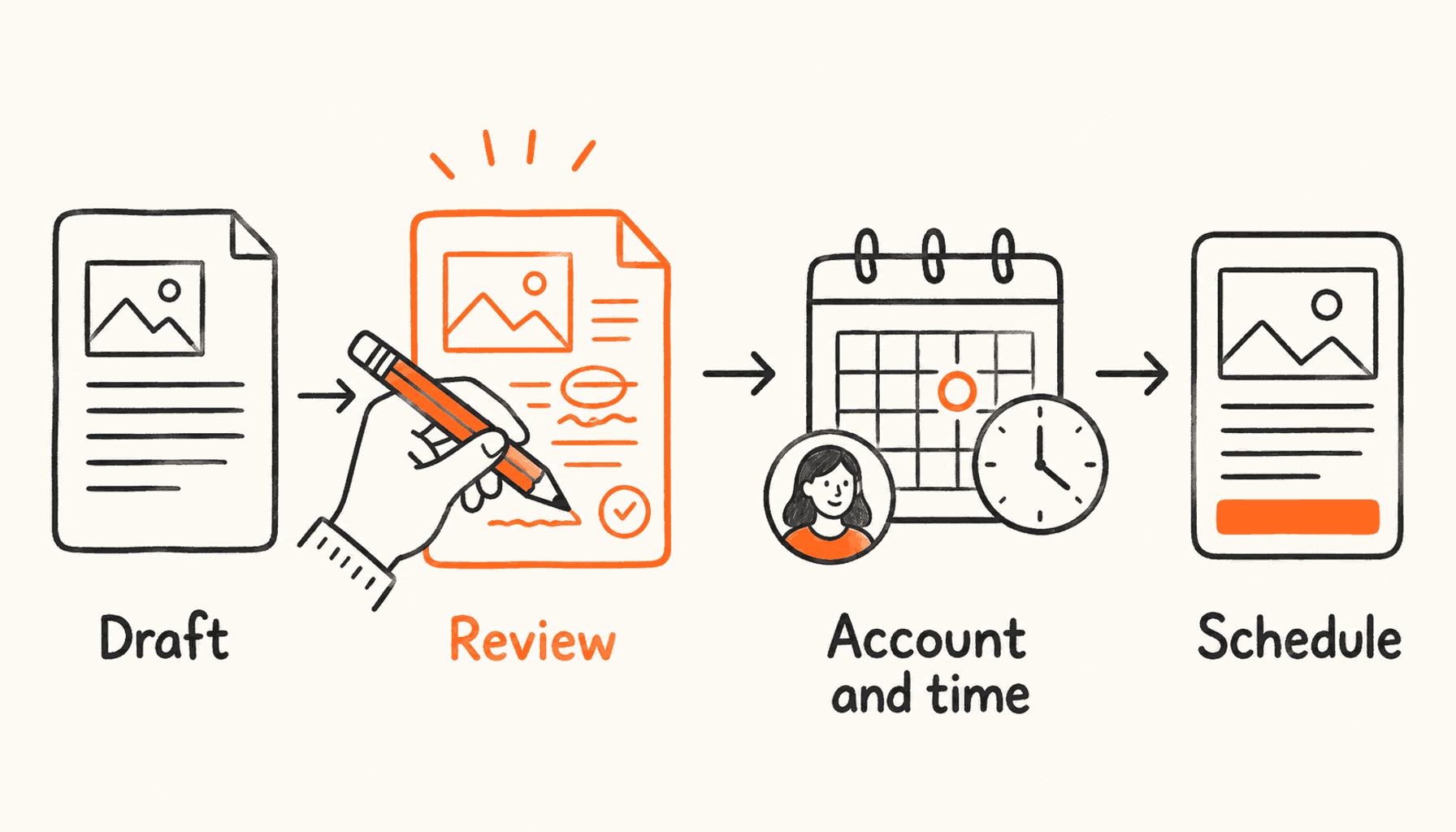
Collect raw material during the week. Pick the strongest ideas and draft them in one focused block. Schedule only after a separate review pass. Leave room for live posts and customer conversations.
At the end of the week, compare what each post was meant to do with what happened. Reuse what worked with new examples. Do not recycle the same words just because a post reached many people.
| Step | Time | Output |
|---|---|---|
| Select | 10 minutes | Five ideas tied to distinct content roles |
| Draft | 20 minutes | Specific posts grounded in current work |
| Review | 10 minutes | Facts, tone, privacy, links, and media checked |
| Schedule | 5 minutes | A balanced queue with room for live posts |
Frequently asked questions
Can you schedule posts directly on X?
Yes, for single posts. Use the calendar icon in the composer on x.com, or in the iPhone app, where X began rolling scheduling out in September 2026. The Android app does not have it yet, so Android users can schedule from x.com in a phone browser.
Can you schedule posts in the X app?
On iPhone, yes, as the feature rolls out: open the composer and tap the calendar icon. On Android, not as of October 12, 2026. Open x.com in your browser to use the web scheduler instead.
Can you schedule an X thread natively?
Not reliably. X’s scheduler handles one post at a time on the web, and X has not announced thread scheduling for the iPhone app. Third-party tools schedule full threads, but check the current X composer before choosing a paid tool.
What is the best X scheduler for founders?
ClimbX fits founders who want scheduling tied to inspiration, drafts in their voice, engagement, and learning from their own results. Typefully suits minimal multi-network publishing, while Tweet Hunter offers broader X automation and CRM.
How far ahead should I schedule X posts?
Schedule evergreen posts several days ahead, but leave room for customer conversations and timely posts. Recheck anything that may have changed before it publishes.
Does scheduling reduce engagement?
Scheduling itself does not make an idea less relevant. Problems start when a queue gets generic, badly timed, repetitive, or out of touch with live conversation.
Build a queue that still sounds like you.
ClimbX finds posts that worked in your niche and drafts in your voice. You edit and approve every post, then schedule it and learn from the results.
Read next
- How to Write a Thread on X That People Finish - Write an X thread with a clear promise, useful sequence, credible evidence, readable pacing and a strong ending, plus structures, editing rules and examples.
- A Weekly X Content Calendar for SaaS Founders - Plan a useful week of X posts from real product work and customer questions, with a worked calendar, quiet-week alternatives, and review checks.
- Best Time to Post on X in 2026: A Testing Guide - There is no universal best time to post on X. What 9,556 posts showed (Monday best, Sunday worst, off-peak hours) and how to test your own time windows.
Sources
- X posting, drafts, and scheduling help - Official web composer calendar and Unsent posts instructions.
- Benji Taylor (X) on scheduled posts for mobile (Sep 5, 2026) - X announces the start of the mobile scheduling rollout.
- Roboin: X brings scheduled posts to iOS (Sep 2026) - Hands-on check: present in the iOS app, absent from the Android app.
- Hypefury scheduling guide - A broad native and third-party scheduling baseline reviewed for workflow coverage.
- Typefully scheduling documentation - Current first-party queue, slot, and scheduling workflow.
- Tweet Hunter pricing - Current scheduling, evergreen, automation, and plan information.
- ClimbX pricing - Current ClimbX scheduling and workflow capabilities.