
The short version
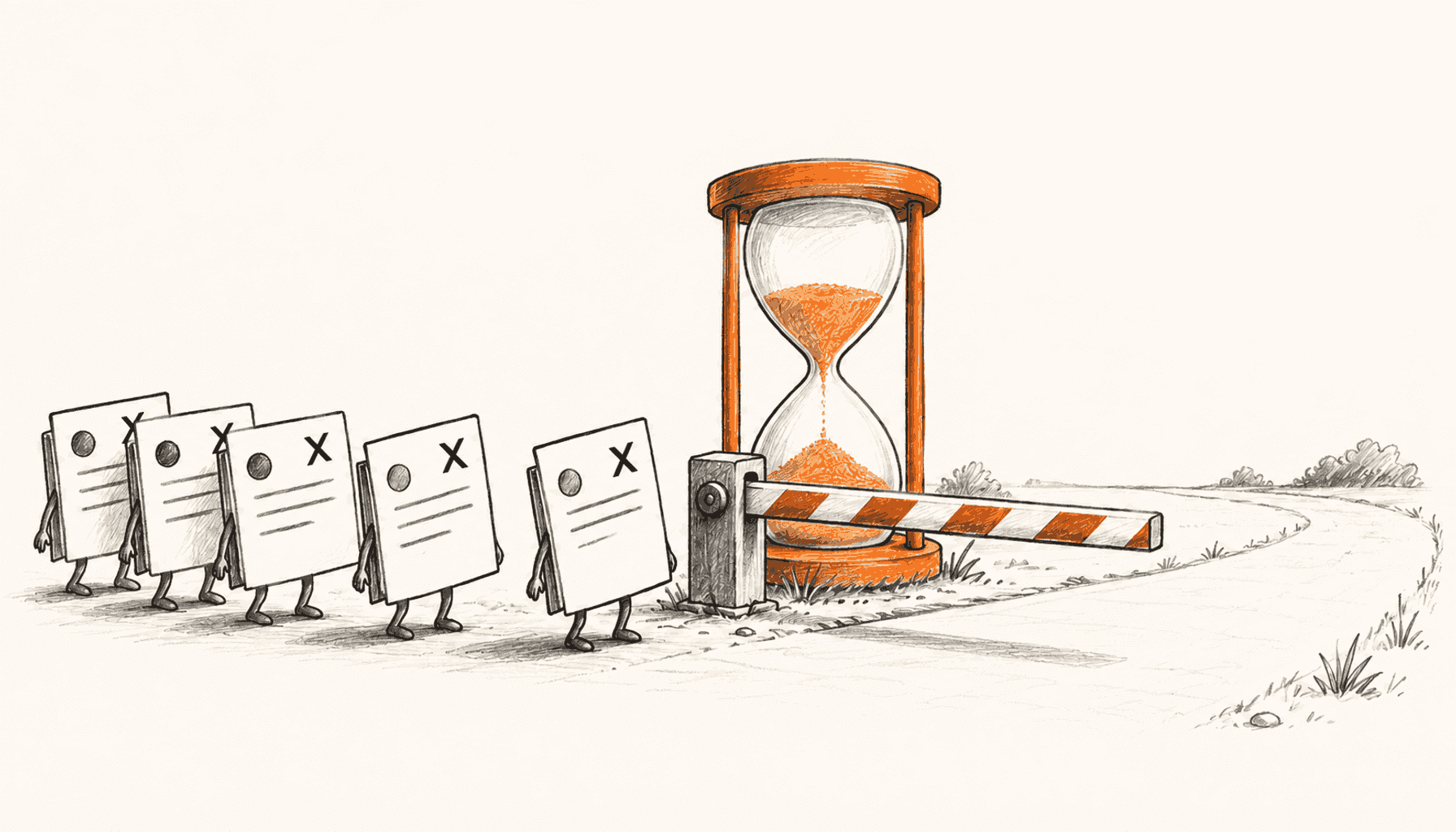
A Twitter rate limit means your account did too much of one thing too fast, and X paused it. You might see “Rate limit exceeded”, or you can’t post, reply, follow or load new posts.
It is not a ban. Time-based limits clear on their own, within an hour to a day. Stop what you were doing, wait, then log out and back in.
- 500
- DMs a day
- 400
- Follows a day
- 200
- Replies a day (unverified)
- 50
- Posts a day (unverified)
You are scrolling or replying and X stops working. Posts won’t load. Your reply won’t send. Maybe you see “Rate limit exceeded”, maybe just “Something went wrong. Try reloading.” This page explains what that means, the limits X publishes, how long it lasts and how to fix it. I checked every limit against X Help on October 25, 2026.
What “rate limit exceeded” means on Twitter
X caps how many times an account can do certain things in a day, and in shorter windows inside that day. Go past a cap and X blocks that action for a while.
X says the limits exist to take strain off its servers and cut down on downtime and error pages. They also stop bots. The caps count everything you do: the website, the app and any app connected to your account.
| What you see | What it usually means | First move |
|---|---|---|
| “Rate limit exceeded” | You or a connected app hit a limit | Stop and wait |
| “Something went wrong. Try reloading.” | Could be a limit, your connection or an outage | Reload once, then check if others have it |
| No new posts load, the feed is stuck | Can be a limit on loading posts, or an outage | Wait, then log out and back in |
| “You are unable to follow more people at this time” | Follow limit | Wait an hour, or a day at the daily cap |
| A reply or post won’t send | Post limit, or an old app version | Wait a few hours, update the app |
From X Help: About X limits, About following and Help with posting, checked October 25, 2026. “Something went wrong” is a general error. X Help does not tie it to one cause.
Building an app on X and getting rate limited there? That is a different system. See X API limits for developer limits and costs.
Twitter rate limits per day, from X Help
X publishes a short list of account limits. Here they are, as X Help shows them today.
- Direct Messages sent500
- Accounts followed400
- Replies (unverified)200
- Original posts (unverified)50
| Action | Limit | Note from X Help |
|---|---|---|
| Direct Messages | 500 sent a day | Time-based, clears on its own |
| Posts and replies | 50 posts and 200 replies a day | For unverified accounts. Split into half-hour windows |
| Follows | 400 a day | A technical cap. Aggressive following is banned anyway |
| Follows at 5,000 | Depends on your followers | Past 5,000 following, a ratio decides |
| Email changes | 4 an hour | Time-based |
X also says these limits can drop for a while when the site is busy. So you can hit a limit on a heavy news day that you would never hit on a quiet one.
The limit on reading posts
The big wave of “rate limit exceeded” errors started on July 1, 2023. X capped how many posts each account could load in a day. Elon Musk blamed “extreme levels of data scraping”, per TechCrunch. He raised the numbers the same day.
- Verified10,000
- Unverified1,000
- New unverified500
X Help does not list a reading limit today. X has not said in public whether the 2023 cap still applies, or at what number. If your feed stops loading after a long scroll, a reading cap is a likely reason, but nobody outside X can confirm the number.
How long a Twitter rate limit lasts
Anywhere from an hour to a day. X gives no exact timer, only these hints.
| Limit | How long, per X Help |
|---|---|
| Posts and replies | “Try again in a few hours” |
| Followed too fast | “Try again in an hour or so” |
| Daily follow cap | After a day has passed |
| Follow ratio at 5,000 | Once you have more followers, or unfollow a few |
| DMs and email changes | After the time window ends |
Waiting works only if you stop. Every try while you are limited, by you or by an app, counts as another request. If the limit is still there the next day, it is probably not a rate limit. Check if your account is locked instead.
How to fix “rate limit exceeded” on X
Do these in order. Start with the free, quick ones.
- 1Stop and waitAn hour for follows, a few hours for posts
- 2Log out and back inSave your drafts first
- 3Clear cache or app dataBrowser cache, or Clear Data on Android
- 4Revoke apps you don’t useThey count toward your limits
- 5Check if X is downIf everyone has it, you can only wait
- 1
Stop and wait
Close X for an hour. Don’t keep refreshing. If you were following or replying in a burst, the limit is working as X intended. - 2
Log out and back in
X Help suggests it for web and app problems. On the app, logging out clears unsent drafts, so save any first. If you use two-factor authentication, keep a backup code ready. - 3
Clear your cache, or the app’s data
On the web, clear cache and cookies, or try a private window. On Android, go to Settings, Applications, X, Clear Data. On iPhone, remove the account from the app and add it again. - 4
Turn off your VPN and extensions
X Help names both as common causes of errors on x.com. Turn them off one at a time to find the one that breaks it. - 5
Revoke apps you don’t use
Go to Settings and privacy, then Apps and sessions. Select Revoke access next to any app you don’t use. Every connected app counts toward your limits. - 6
Check if X is down
Search the error on X or check a site like Downdetector. If thousands report it at once, it is X’s problem. X also runs a status page for its platform.
From X Help: Help with x.com, X for iPhone, X for Android and third-party apps. X’s status page is built for developers, but it shows whether posts, DMs and search are healthy. Checked October 25, 2026.
Why Twitter keeps rate limiting you
It is usually an app you forgot about, or the way you work. Fix the cause and the errors stop.
Connected apps share your limit
X Help says every request from a third-party app counts toward the same hourly limit. It adds that people who use several apps “will therefore reach the API limit more quickly.” A scheduler, an analytics tool and an old follower tracker all draw from one pool. You never see their requests, but you see the error.
You work in bursts
The post limit is split into half-hour windows. So 30 replies in 10 minutes can trip a limit that 30 replies across a morning never would. The same goes for follows. X says following “too many accounts too quickly” gets you a pause of about an hour.
Bursts also look like a bot. X’s authenticity policy bans aggressive following and bulk, high-volume replies. A rate limit is a technical pause. Spam rules are separate and can cost you reach for longer. More on that line in can replying too much get you flagged on X.
Do this
- Revoke connected apps you no longer use
- Spread replies and follows across the day
- Keep one scheduler, not three
- Update the X app and your browser
- Stop for an hour when you see the error
Stop doing this
- Refreshing the feed again and again while limited
- Follow/unfollow tools and “get followers” sites
- Mass-following a list in one sitting
- Giving any site your X password
- Running several scrapers or trackers on one account
When it is not a rate limit
If the error is gone but something still feels off, you may be dealing with a different problem.
| What happens | What it likely is | Where to go |
|---|---|---|
| Blocked for hours, clears by itself | Rate limit | This page |
| X asks for a phone, email or captcha | Locked account | X account locked |
| You can post, but nobody sees it in search | Possible shadowban | Shadowban checker |
| “Your account is suspended” | Suspension | X account suspended |
A good habit after any limit: run the Twitter shadowban checker once. It tells you if your posts still show up in search and replies.
Frequently asked questions
What does “rate limit exceeded” mean on Twitter?
It means your account did too much of one thing in a short time, and X paused it. That can be posting, replying, following, sending DMs or loading posts. X Help says the error tells you which limit you hit, and time-based limits clear on their own.
How long does the Twitter rate limit last?
X does not give a fixed time. For posts, X Help says to try again in a few hours. For follows, it says to wait an hour or so if you followed too fast, or a day if you hit the daily cap.
What is the daily limit on X?
From X Help, checked October 25, 2026: 500 DMs a day, 400 follows a day, and for unverified accounts 50 original posts and 200 replies a day. The same page also mentions 2,400 updates a day, so the post numbers are not consistent. X lists no separate numbers for verified accounts.
How do I fix rate limit exceeded on X?
Stop and wait first. Then log out and back in, clear your browser cache or the app’s data, and revoke third-party apps you don’t use. If many people see the same error at once, it is X’s side, and you can only wait.
Why does Twitter keep saying rate limit exceeded?
Often a connected app is making requests for you, or you work in bursts. X Help says every third-party app counts toward the same hourly limit, so people with several apps hit it faster. Revoke the apps you don’t need and spread your activity across the day.
Is a rate limit the same as a shadowban or a locked account?
No. A rate limit is a short technical pause that ends on its own. A locked account needs you to verify by phone, email or captcha. A shadowban is when your posts stop showing in search or replies. If the error is gone but your reach is not, run a shadowban check.
Does paying for X Premium raise the limits?
For reading, it did in 2023: verified accounts could load 10,000 posts a day against 1,000 for unverified ones. For posting, X Help only gives numbers for unverified accounts. It does not say what verified accounts get, so treat any number you see elsewhere as a guess.
Bottom line
A Twitter rate limit is a pause, not a punishment. Stop, wait a few hours, then log out and back in. If it keeps coming back, revoke the apps you don’t use and spread your activity across the day.
Post steadily. Skip the error screens.
ClimbX drafts posts in your voice and only posts what you approve, at the times you choose. It never likes, follows or DMs for you. From $29/month, 7-day trial.
Read next
- Twitter (X) Account Locked? What It Means and How to Get Back In - A locked X account is not a suspended one. How to tell locked, limited and suspended apart from what the screen says, the exact steps to get back in by phone, email or captcha, how long each lock lasts, and why it keeps happening.
- Can Replying Too Much Get You Flagged on X? - X’s code added reply-spam rules on October 23, 2026: 30-day spam labels, human checks and temporary suspensions. What looks like reply spam, how to check your labels, and a safe daily reply routine from someone doing 400 a day.
Sources
- X Help: About X limits - 500 DMs, 50 posts and 200 replies (unverified), 2,400 updates, 4 email changes an hour, shared app limit, checked October 25, 2026
- X Help: About following - 400 follows a day, the 5,000 ratio, how long follow limits last
- X Help: Help with common following issues - why you can’t follow anyone
- X Help: Help with x.com - VPN, private window, cache, extensions, connected apps, logging out
- X Help: X for iPhone and Android - clear app data, log out and back in, drafts are cleared
- X Help: Help with posting - posts that won’t send
- X Help: Third-party apps - how to review and revoke connected apps
- X Help: Authenticity policy - aggressive following and bulk replies
- X platform status - live health of posts, DMs and search
- TechCrunch: Twitter limits the number of tweets users can read (Jul 1, 2023) - 6,000 / 600 / 300, raised to 10,000 / 1,000 / 500